Flow Gallery
Flow Gallery
An image stream that makes room wherever your cursor goes
An image stream that makes room wherever your cursor goes
Discipline
Exploration
Timeline
2026
Deliverable
Interactive Prototype

TL;DR
A stream of image cards drifts across the screen and parts around your cursor. I built it in Figma Make to test whether hover alone can make browsing feel responsive, and how far an AI tool can take a designer in prototyping physics-based motion without code. Instead of designing one animation, I designed the controls and tuned the feel live.
A stream of image cards drifts across the screen and parts around your cursor. I built it in Figma Make to test whether hover alone can make browsing feel responsive, and how far an AI tool can take a designer in prototyping physics-based motion without code. Instead of designing one animation, I designed the controls and tuned the feel live.
The question
Can a gallery respond to where you’re looking, not just to what you click?
In most galleries the cursor only matters when you click. Hovering, the moment you’re actually looking at something, gets a highlight at best. Flow Gallery treats the cursor as a physical presence. Cards drift on their own and move aside where you point, so the content makes room for your attention.
A test of tools
Could a designer prototype physics-based motion without writing code?
Motion like this usually needs code to prototype. I wanted to see how far a generative tool like Figma Make could take a designer exploring emergent behavior directly.
Design decisions
I designed the parameters of the system, not a single animation.
Parameter | What it does | Why |
|---|---|---|
Zone width | Cards react within an adjustable radius around the cursor | The stream opens gradually instead of snapping. |
Easing in and out | Entering and leaving the zone have separate curves | Cards can part and settle at different speeds. |
Scroll mode | Auto-scroll, or manual scrolling with momentum | Lean-back viewing and active browsing need different motion. |
Presets | Default, Dreamy Float, Snappy and Minimal | Different personalities from one system, compared side by side. |

The control panel: zone width, wiggle, easing in and out of the zone, and saved presets.
What it showed
Motion feel is a design decision, and live controls make it one you can test.
Words like “floaty” or “snappy” mean different things to different people, and a static spec can’t settle it. Putting the controls inside the prototype turned those words into numbers that can be compared, saved as presets and handed to engineering.
Figma Make got the physics working without code, which moved my time from building the effect to judging it.

Cards spread apart as they pass through the zone, then settle back into the stream.
The question
Can a gallery respond to where you’re looking, not just to what you click?
In most galleries the cursor only matters when you click. Hovering, the moment you’re actually looking at something, gets a highlight at best. Flow Gallery treats the cursor as a physical presence. Cards drift on their own and move aside where you point, so the content makes room for your attention.
A test of tools
Could a designer prototype physics-based motion without writing code?
Motion like this usually needs code to prototype. I wanted to see how far a generative tool like Figma Make could take a designer exploring emergent behavior directly.
Design decisions
I designed the parameters of the system, not a single animation.
Parameter | What it does | Why |
|---|---|---|
Zone width | Cards react within an adjustable radius around the cursor | The stream opens gradually instead of snapping. |
Easing in and out | Entering and leaving the zone have separate curves | Cards can part and settle at different speeds. |
Scroll mode | Auto-scroll, or manual scrolling with momentum | Lean-back viewing and active browsing need different motion. |
Presets | Default, Dreamy Float, Snappy and Minimal | Different personalities from one system, compared side by side. |
The control panel: zone width, wiggle, easing in and out of the zone, and saved presets.
What it showed
Motion feel is a design decision, and live controls make it one you can test.
Words like “floaty” or “snappy” mean different things to different people, and a static spec can’t settle it. Putting the controls inside the prototype turned those words into numbers that can be compared, saved as presets and handed to engineering.
Figma Make got the physics working without code, which moved my time from building the effect to judging it.
Cards spread apart as they pass through the zone, then settle back into the stream.
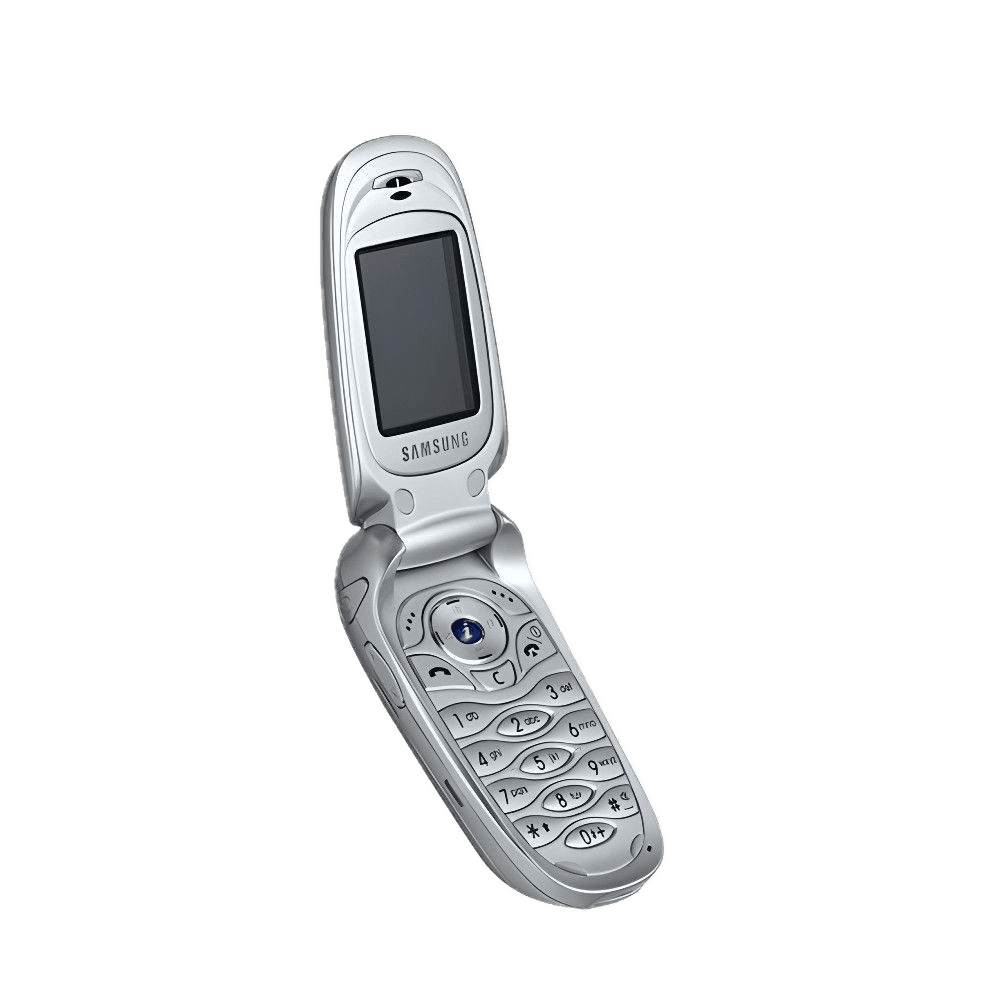
phone.obj
If you’ve scrolled this far,
we should probably talk.
If you’ve scrolled this far,
we should probably talk.
If you’ve scrolled this far,
we should probably talk.
hello@sahor.work
Sahor Debbarma ✤ (WIP 2019 - Present)