Spatial Archive
Spatial Archive
An image archive where the direction you drag is the navigation
An image archive where the direction you drag is the navigation
Discipline
Exploration
Timeline
2026
Deliverable
Interactive Prototype

TL;DR
Feeds decide what you see next and only let you move along one axis. Spatial Archive is an open canvas of objects you can drag in any direction, where clicking one surfaces related images. It tests whether position itself can be navigation, and it’s the counterpoint to my product work, where I usually solve discovery with hierarchy.
Feeds decide what you see next and only let you move along one axis. Spatial Archive is an open canvas of objects you can drag in any direction, where clicking one surfaces related images. It tests whether position itself can be navigation, and it’s the counterpoint to my product work, where I usually solve discovery with hierarchy.
The question
What if the direction you drag decided what you discover?
Pinterest and most image feeds lock discovery to one axis. You scroll, and an algorithm picks what comes next. You can go forward or back, but never sideways toward the thing that caught your eye.
Why I made it
My product work solves discovery with structure. This asks what happens without any.
In Fund Catalogue I guided donors through 1,200 funds one level at a time, because structure was what they needed. Spatial Archive asks the opposite question: what does discovery feel like with no hierarchy at all, where position is the only map?
Design decisions
Each choice swaps a feed convention for a spatial one.
Feeds do this | Spatial Archive does this | Why |
|---|---|---|
Scroll along one axis | Pan in every direction | Dragging becomes a choice of where to go, not a request for more. |
Serve an endless stream | Click an object to surface related images around it | Depth comes when you ask for it. |
Show posts and photos | Show cut-out objects on white with plain file-name labels | You compare the things themselves, not photo styles. |
Sort into categories | Curate around a loose mood (currently silver) | Browsing stays open-ended. |

Objects float on a canvas that pans in every direction. “Drag to explore” is the only instruction.
What I’d test next
Free movement costs you the one thing a feed gives for free, a sense of where you are.
Orientation. A feed has a scroll position. A canvas needs landmarks, clusters or a minimap so you can get back to something you saw.
Scale. Dragging works with dozens of objects. With thousands it needs structure, which brings back some of the hierarchy it set out to remove.
Intent. Dragging suits browsing without a goal. When you know what you want, search still wins.
The question
What if the direction you drag decided what you discover?
Pinterest and most image feeds lock discovery to one axis. You scroll, and an algorithm picks what comes next. You can go forward or back, but never sideways toward the thing that caught your eye.
Why I made it
My product work solves discovery with structure. This asks what happens without any.
In Fund Catalogue I guided donors through 1,200 funds one level at a time, because structure was what they needed. Spatial Archive asks the opposite question: what does discovery feel like with no hierarchy at all, where position is the only map?
Design decisions
Each choice swaps a feed convention for a spatial one.
Feeds do this | Spatial Archive does this | Why |
|---|---|---|
Scroll along one axis | Pan in every direction | Dragging becomes a choice of where to go, not a request for more. |
Serve an endless stream | Click an object to surface related images around it | Depth comes when you ask for it. |
Show posts and photos | Show cut-out objects on white with plain file-name labels | You compare the things themselves, not photo styles. |
Sort into categories | Curate around a loose mood (currently silver) | Browsing stays open-ended. |
Objects float on a canvas that pans in every direction. “Drag to explore” is the only instruction.
What I’d test next
Free movement costs you the one thing a feed gives for free, a sense of where you are.
Orientation. A feed has a scroll position. A canvas needs landmarks, clusters or a minimap so you can get back to something you saw.
Scale. Dragging works with dozens of objects. With thousands it needs structure, which brings back some of the hierarchy it set out to remove.
Intent. Dragging suits browsing without a goal. When you know what you want, search still wins.
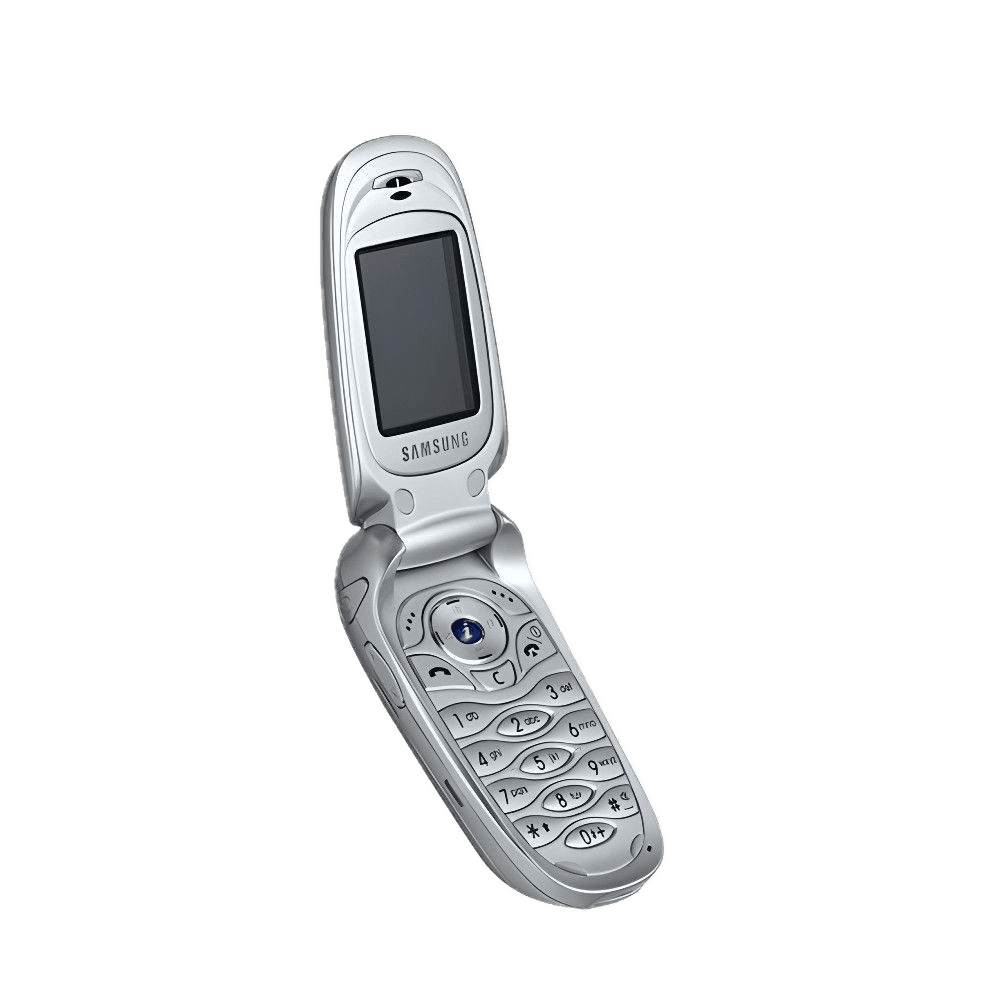
phone.obj
If you’ve scrolled this far,
we should probably talk.
If you’ve scrolled this far,
we should probably talk.
If you’ve scrolled this far,
we should probably talk.
hello@sahor.work
Sahor Debbarma ✤ (WIP 2019 - Present)